Trigger / Event Calendar

The calendar gives an overview on the number of events which have been registered for a specific day:
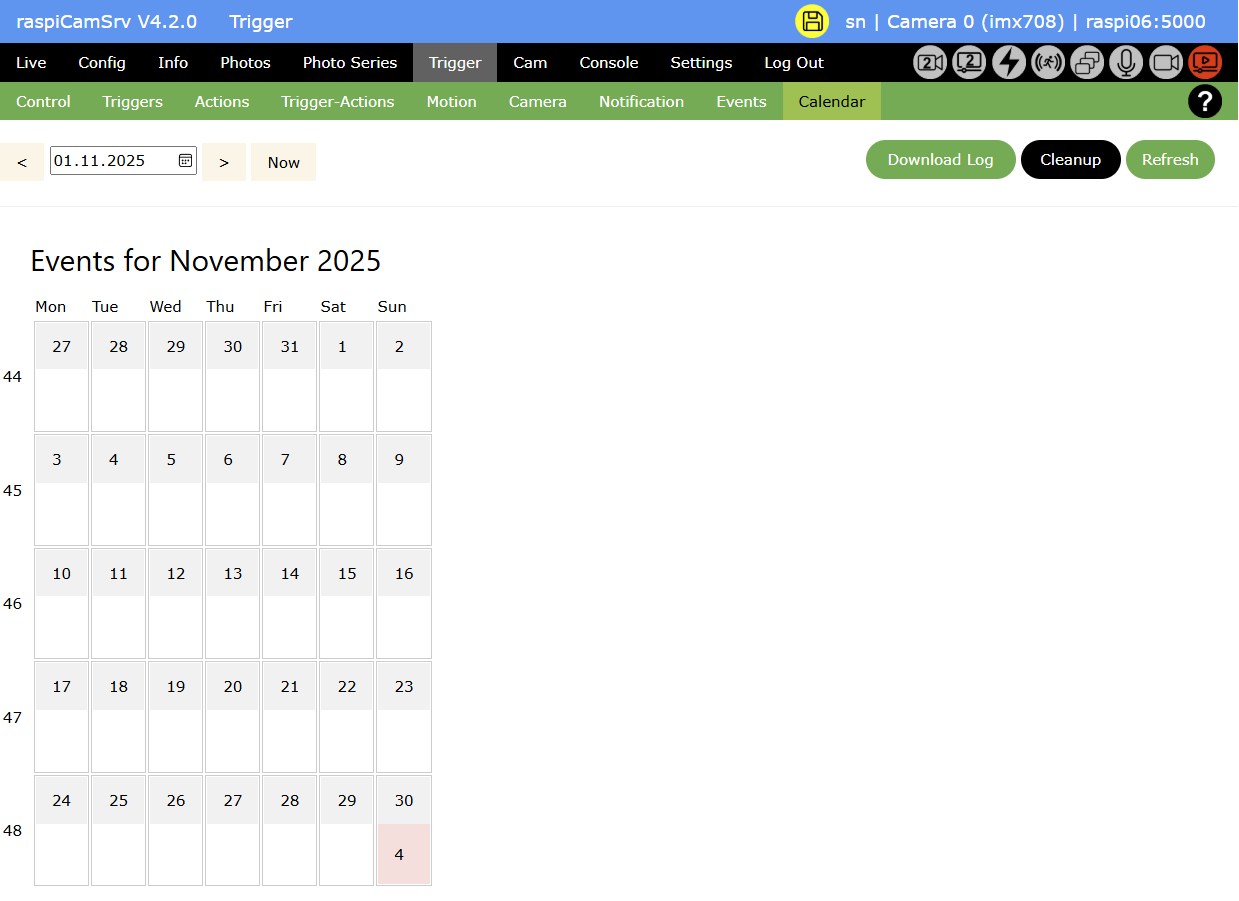
Clicking on a red field navigates to the Events display for this specific day.
You can change the active month using the date control and navigation arrows, or return to the current month with the Now button.
Download Log
You can download the Log file including a timeline of all events and associated actions.
Note that only those triggers and their associated actions will be included in the log, for which the control parameter event_log has the value "True".
Cleanup
The Cleanup button can be used for removing old events.
This requires that the process is stopped.
After pressing the button, a confirmation is required:
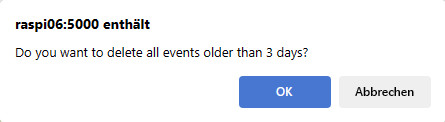
The Retention Period for cleanup, shown in this confirmation, has been specified on the Trigger/Control page.
For all events older than the Retention Period, cleanup will
- remove all log file entries
- delete all photo and video files
- delete related database entries